RaceLoop Kiosk
Sit down and drive.

No Windows. No menus.
- Desktop
- Browser
- Windows settings
- Game settings
- The next driver finds the same start screen.
- Staff never have to rescue the PC.
- Nobody browses on your simulator.
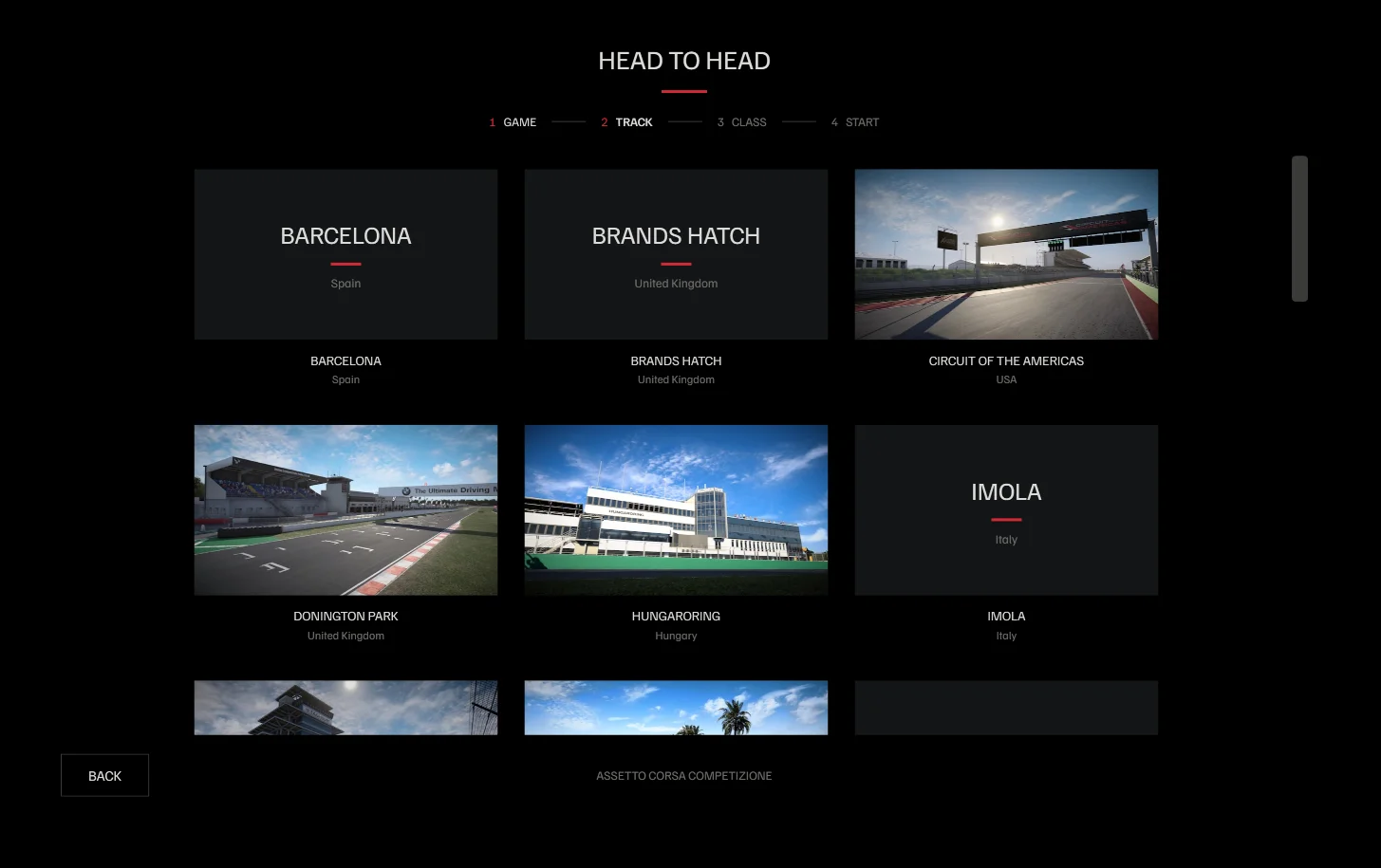
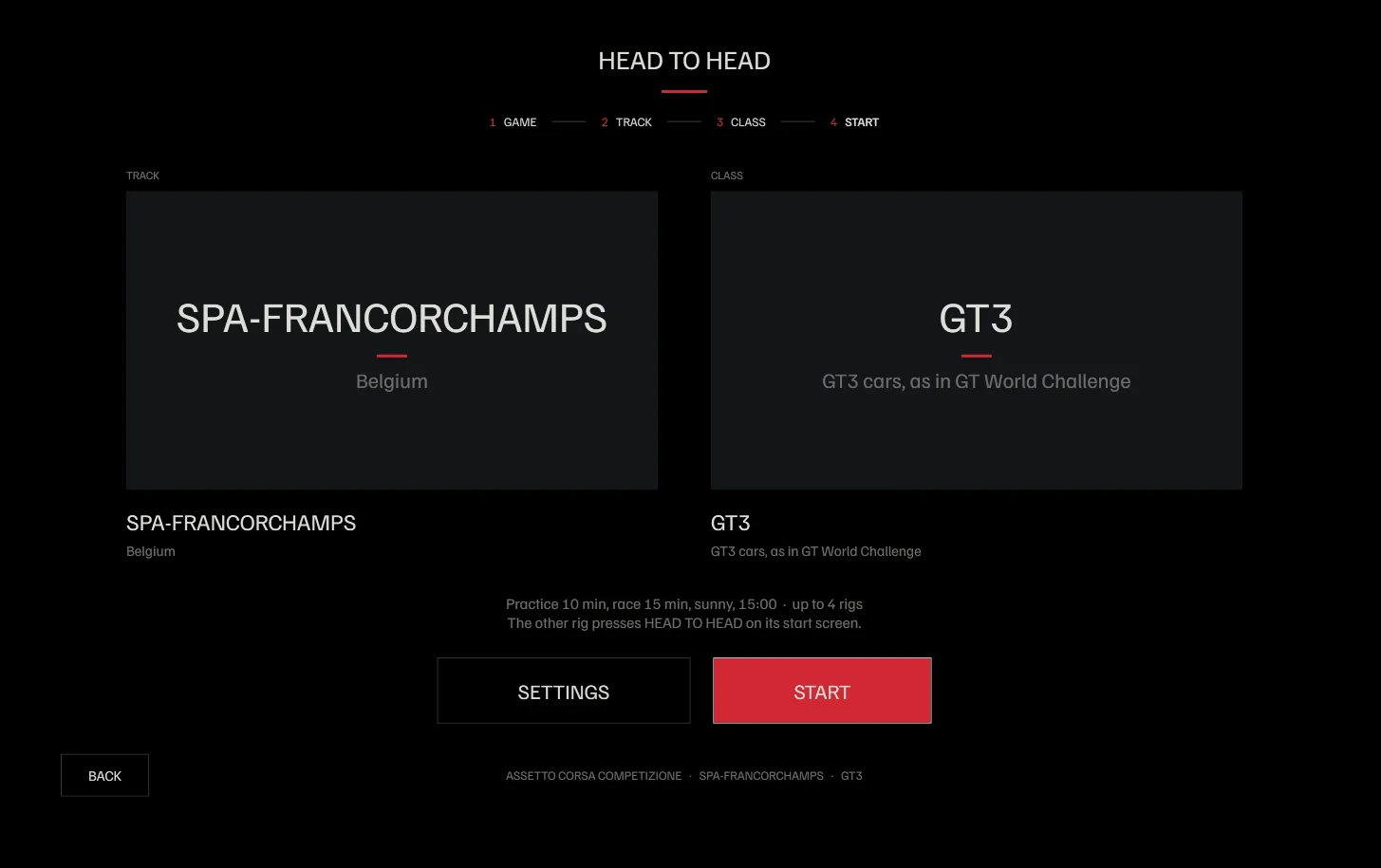
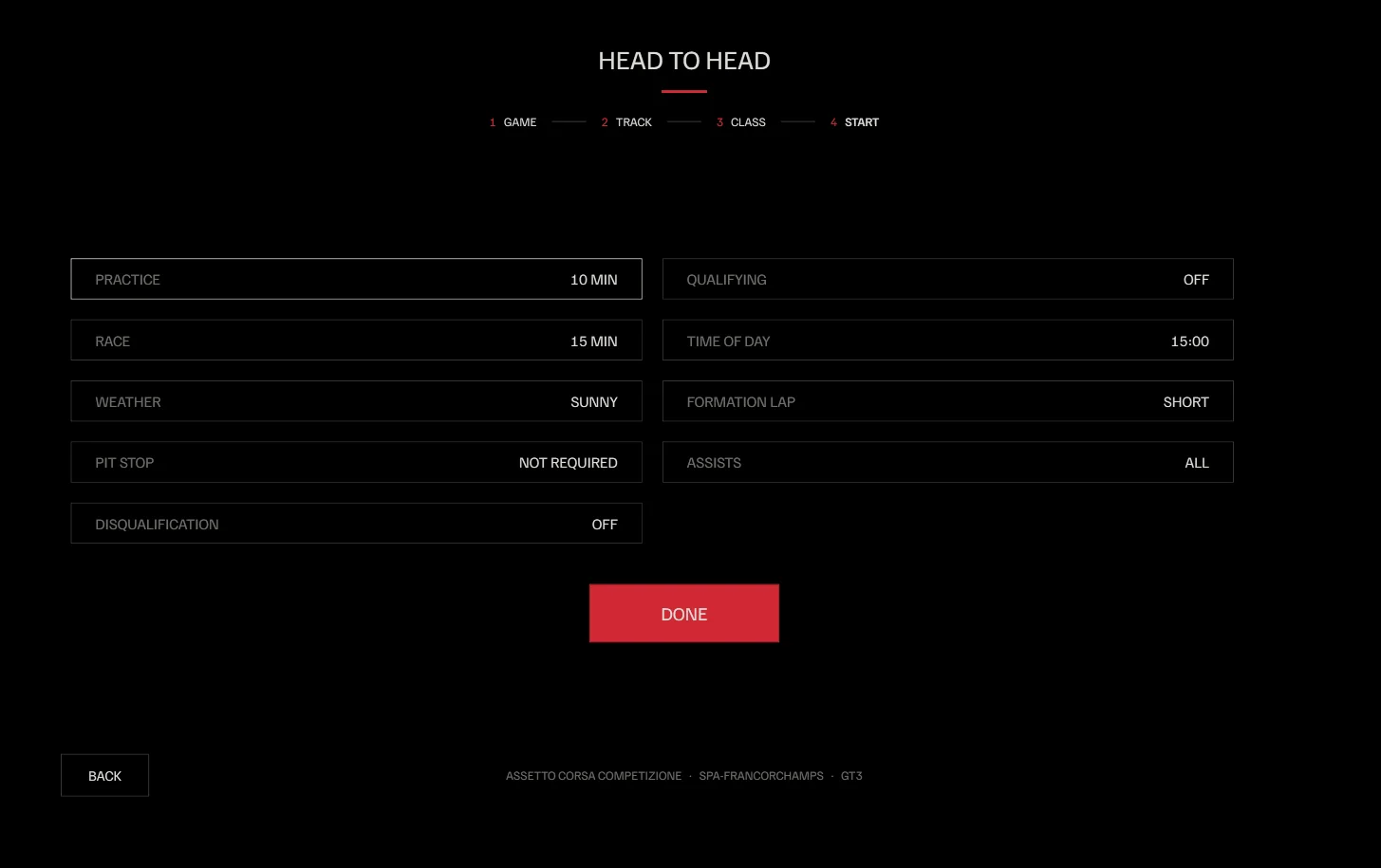
Local races in a few taps.
Without the kiosk
- Install the dedicated server in Steam
- Edit configuration.json
- Edit settings.json
- Edit event.json
- Open ports in the firewall
- Start the server
- Look up the PC’s IP address
- Open the game’s multiplayer menu on every rig
- Find the server and connect
With the kiosk
- 1Game
- 2Track
- 3Class
- 4Start